Tools and interface
Last updated: September 2026
⚠️ IMPORTANT WARNING
The service administration bears NO LIABILITY (neither material nor legal) for any decisions made based on the data on this site.
All information is for reference only. Consult specialists before making decisions. You act at your own risk.
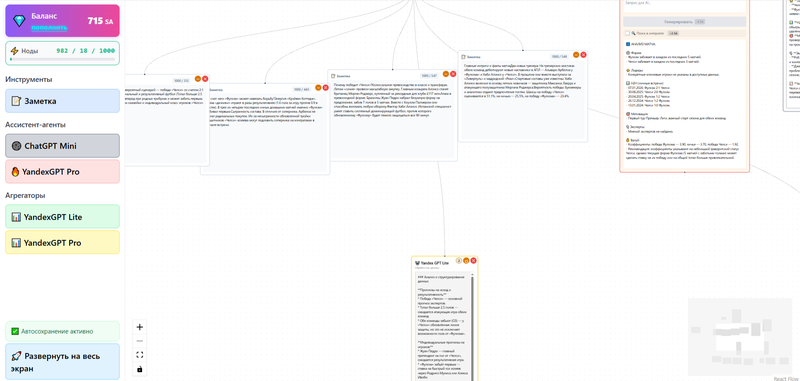
“This is your workspace. On the left is AI tools and balance, in the center is a graph of related note cards, on the right is a detailed view. Just create blocks, connect them with lines and use AI to analyze the data.”
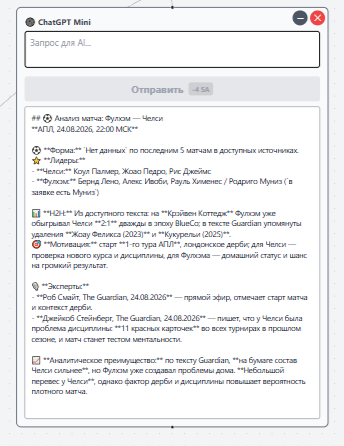
This is the ChatGPT Mini node - an AI assistant for quickly generating analytics: you enter a request in the field at the top, click “Submit”, and artificial intelligence creates a structured report - the screenshot shows an example of an analysis of the Fulham - Chelsea football match, where AI collected data on team form, injuries, head-to-head meetings, motivation, expert opinions and the final forecast, eliminating the need to manually search and systematize this information.
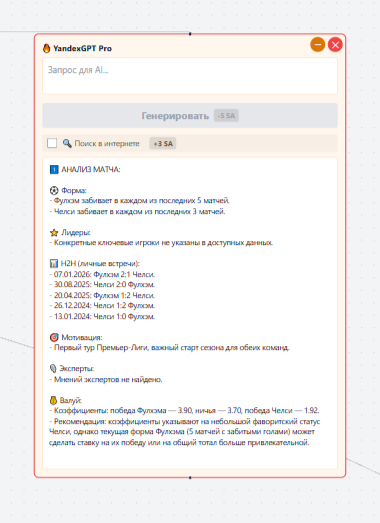
YandexGPT Pro is an advanced AI agent for deep data analysis. Enter your request in the “Request for AI...” field and click “Generate”. A special feature of the node is the ability to search on the Internet (checkbox “Search on the Internet” for +3 SA), which allows you to obtain up-to-date data. An example shows the analysis of a football match: AI automatically structures the information into sections - team form, leaders, personal meetings (H2H), motivation, expert opinions and value bets. Use to obtain detailed analytics based on fresh data from the Internet.
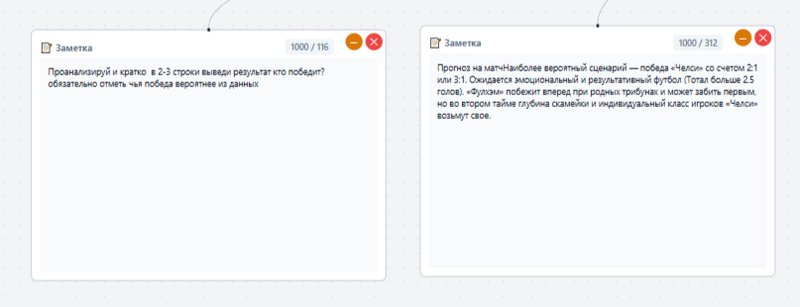
Заметка — базовый элемент системы для работы с текстом. На изображении показан типичный сценарий использования: в левой карточке вы формулируете задачу для AI (запрос на анализ и прогноз матча), а в правой — получаете сгенерированный ответ с детализацией счёта, стиля игры и ключевых факторов. Заметки связываются между собой линиями, создавая логические цепочки «вопрос → ответ» или «данные → вывод», что позволяет выстраивать структурированный процесс анализа и хранить всю информацию в едином графе знаний.
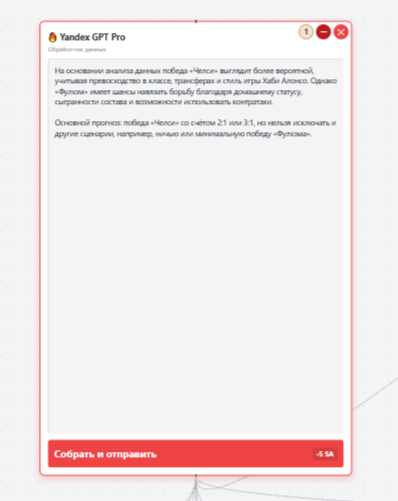
YandexGPT Pro (Aggregator) is a tool for consolidating and synthesizing data from multiple AI agents. The node operates on the YandexGPT Pro platform, featuring an input to connect up to 10 agents (such as ChatGPT Mini, YandexGPT, etc.) and an output to pass the result to the next node in the graph. It works by collecting responses from all connected agents, analyzing them, and generating a single, structured output. To start processing, click the "Collect and Send" button (cost: 5 SA). Using the aggregator yields a comprehensive result based on data from multiple AI models, thereby enhancing the accuracy and completeness of the analysis.
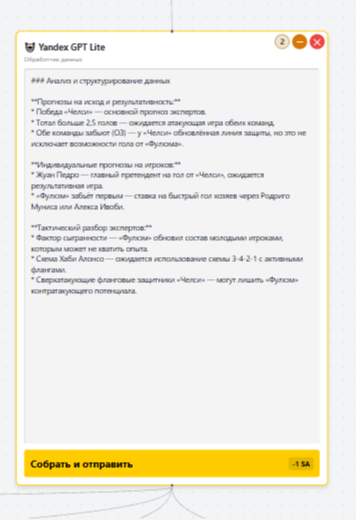
YandexGPT Lite (Aggregator) is a tool for consolidating and structuring data from AI agents. The node runs on the YandexGPT Lite platform and features an input for connecting up to six agents, as well as an output for passing the final result to the next node in the graph. It works by collecting responses from all connected nodes, processing them, and generating a single, structured output (including headings, lists, and highlighted key points). To initiate data synthesis, click the "Collect and Send" button (cost: 1 SA). This tool is ideal for tasks requiring the summarization of information from multiple sources while ensuring efficient resource usage.
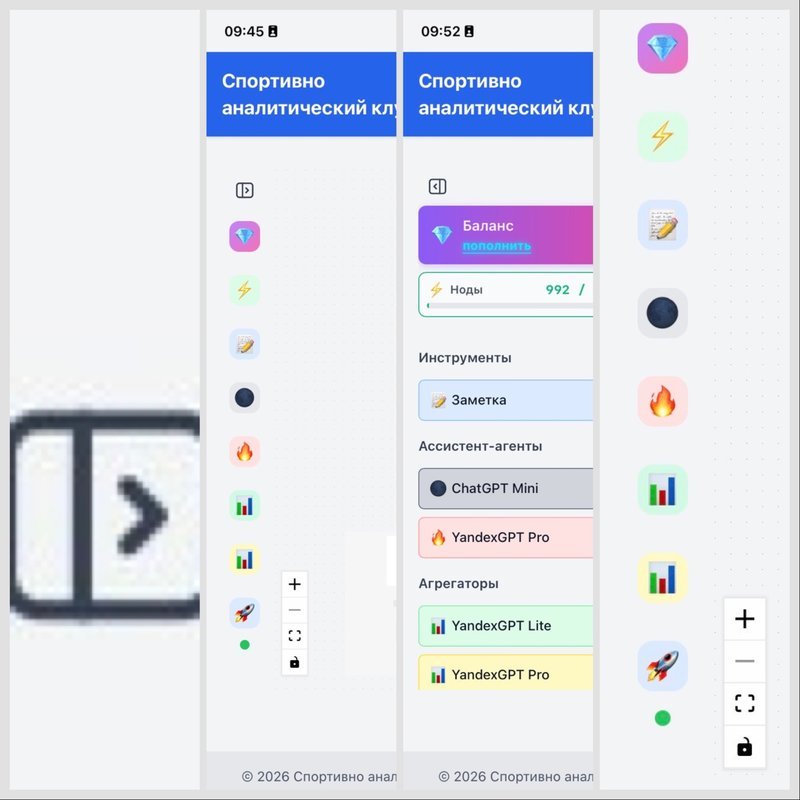
Panel Collapse/Expand Button** (icon `<|>`) **Purpose:** Controls the visibility of the left-hand tool panel. Expand your workspace for a better experience when working with the graph and notes. **How to use:** - **Click the button** at the top of the bottom control bar (icon `<|>`) - The panel **collapses** → Frees up more space for the workspace. - Click again → the panel **expands** back into view. **When to use:** ✅ When you need to focus on analyzing and viewing the graph ✅ On mobile devices to save space ✅ When the tools aren't currently needed **Important:** All tools remain fully accessible—simply bring the panel back whenever you need it.
This is an intelligent data exploration and analysis system where you can create linked notes, use AI agents to generate content, and visualize information in the form of a knowledge graph.